Guides · Controls and settings · Guide 4.1
Keyboard and mouse
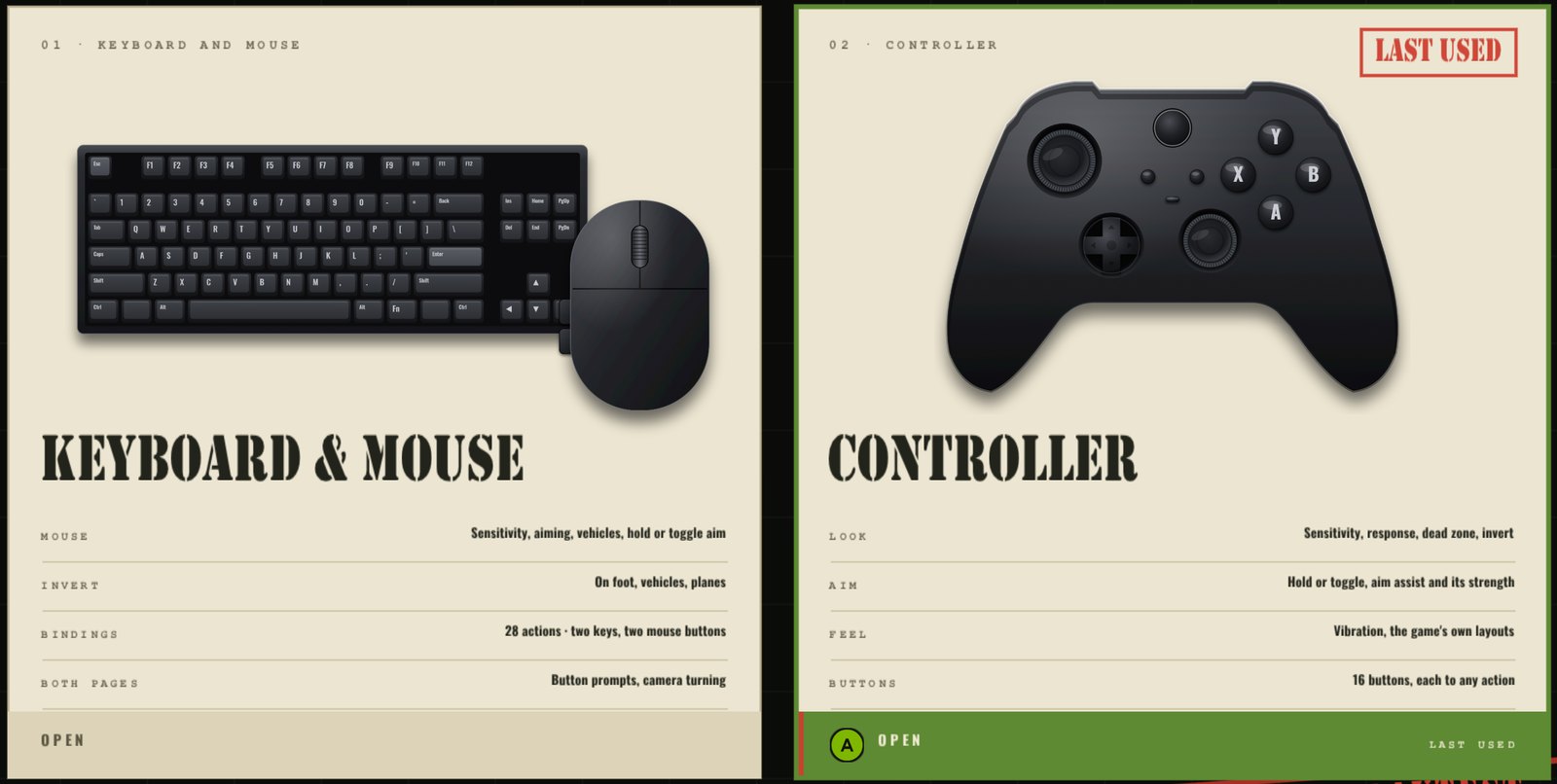
Keyboard and mouse are on by default, beside any controller. Every key can be changed in Settings, Controls, Keyboard & Mouse.
The keys
| KEY | ON FOOT | IN A VEHICLE |
|---|---|---|
| W A S D | Move | W throttle, S brake, A and D turn (the rudder in a plane) |
| Mouse | Look and aim | Aim the guns and turret, look around from a seat, fly a plane |
| Left mouse button | Fire | Fire |
| Right mouse button | Aim down sights | Second weapon (bombs in a plane) |
| Space | Jump | Change seat |
| E | Enter a vehicle, use, pick up | Get out |
| R | Reload | |
| F | Draw knife (the Infantry class's wrench) | |
| G | Grenade, explosives | Free look in a plane |
| Q or mouse wheel | Switch weapon | Second weapon (bombs in a plane) |
| Shift | Sprint | |
| C or Ctrl | Crouch | |
| V or Up | Vehicle camera (the bomb sight in the air raid) | |
| Tab | Command (tap), score (hold) | The same |
| T, Y, U | Chat to everyone, your team, your squad | The same |
| B | Push to talk (hold) | The same |
| Esc or Enter | The menu | The menu |
| F2 | Performance numbers | The same |
Flying with the mouse
In a plane the mouse moves the stick: left and right roll, forward and back pitch, and the stick springs back to the centre when the mouse stops. W is the throttle, S the brake, A and D the rudder. Which way is up follows Vertical fly in Settings, Controls.
Vehicles
A tank's gun, the jeep's machine gun and the landing craft's guns follow the mouse directly, with their own sensitivity and invert setting. In a driver's or passenger's seat the mouse turns the view.